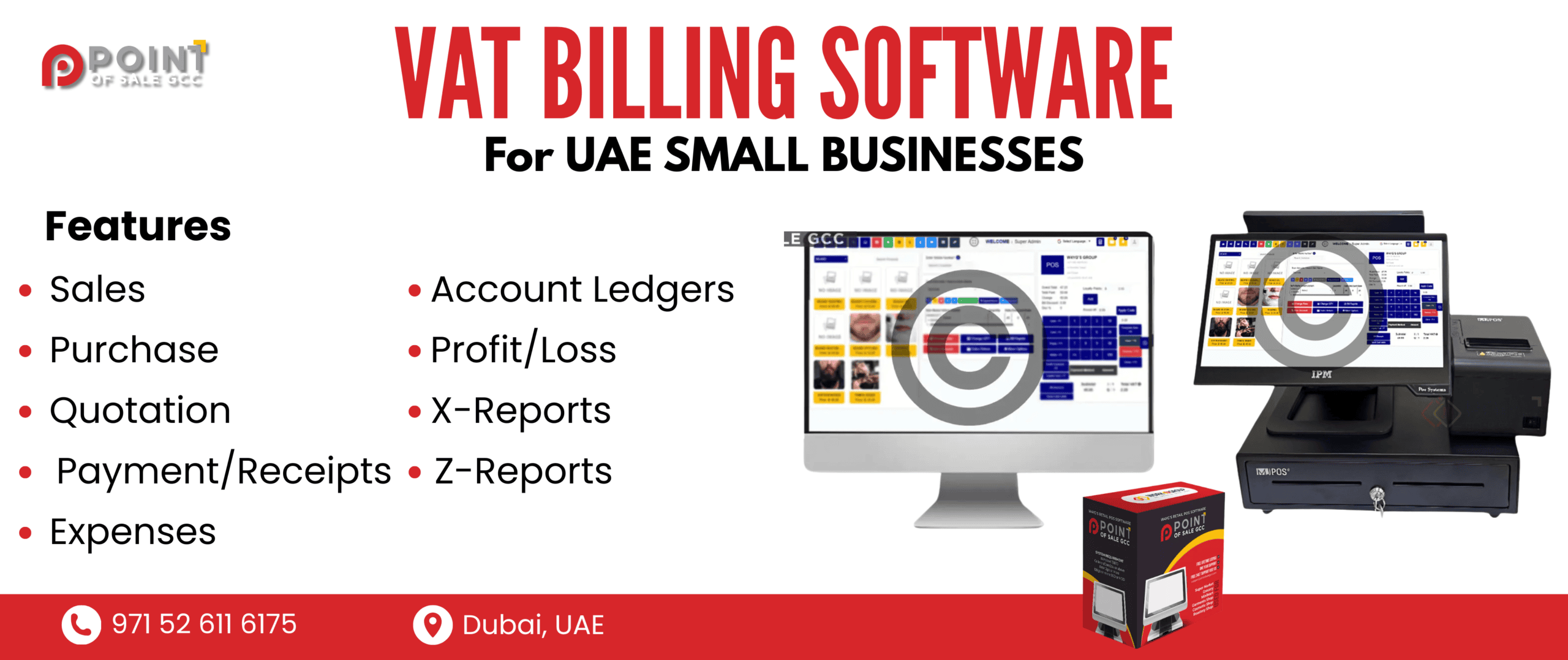
Why VAT billing software matters more in Dubai in 2026
Dubai is moving faster. That sounds like a cliché, but it shows up in small daily things. Shorter invoicing cycles. More delivery orders. More split payments. More customers asking for proper tax invoices instantly, not later on WhatsApp.
And behind the scenes, businesses are also dealing with something else. More digital audit trails. More expectation that your numbers are clean, consistent, and easy to trace from sale to invoice to report. Not perfect, but… defensible. Searchable. Properly filed. That’s where VAT billing software earns its keep.
What VAT billing software actually does (in real life):
- Creates VAT-ready invoices and receipts, and when needed, credit notes.
- Calculates VAT correctly at transaction level so totals match what you later report.
- Keeps records you can search, filter, export, and hand to your accountant without rebuilding everything in Excel.
- Produces reporting summaries that make VAT filing less of a panic situation.
A 2026-ready VAT compliance checklist
Before you fall in love with a nice dashboard, confirm the basics. Because VAT issues rarely come from “not having software”. They come from small mismatches. Rounding. Missing fields. Wrong tax category. A return done the wrong way.
Here’s what to confirm.
1) VAT calculations
- Can it handle standard rated vs zero rated vs exempt items where applicable to your business?
- Does it calculate VAT correctly after discounts, and does the total payable match what prints on the receipt?
- How does it handle rounding? Per line item vs invoice level rounding can change totals in edge cases.
2) Invoice essentials
A proper VAT invoice is not just a logo and a total. Check that the system supports the essentials you actually need on the invoice/receipt:
- TRN fields (yours, and customer TRN if applicable in your workflow)
- Sequential invoice numbering that is consistent and not easily “reset”
- Date and time, clearly printed
- Clear itemization: qty, rate, VAT amount, totals, total payable
3) Usable Reporting
You want reports your accountant can use without calling you ten times.
- VAT summary report (sales and VAT totals)
- Sales split by tax category (standard, zero, exempt if relevant)
- Export options: CSV and PDF at minimum
- Filters: date range, branch, cashier, payment method
4) Record retention that works in practice
A lot of software claims retention. The real question is retrieval.
- Can you search invoices by invoice number, customer, date, product?
- Can you pull receipts quickly during a dispute or audit?
- Can you attach documents if your process requires them (purchase invoices, delivery notes, etc.)?
POS Features that Directly Affect VAT Accuracy
When you’re setting up VAT, it’s easy to get lost in the theory or assume the default settings cover everything. But the real challenges happen during everyday transactions, such as:
- Complex item combinations: When customers mix taxable and non-taxable goods in one purchase, your system must correctly assign VAT rates to each item without error.
- Discount application: Applying discounts at various levels (per item, per cart) can confuse VAT calculations if not handled precisely.
- Multiple payment methods: Split payments among cash, cards, or vouchers require consistent VAT tracking for each part.
- Partial deliveries and backorders: If items ship separately, your invoicing must reflect accurate VAT on each shipment rather than the full order at once.
- Returns and exchanges: Handling returns while keeping VAT records consistent is tricky — mistakes here can disrupt your tax reporting.
Scalability: What Happens When You Add More Branches, Warehouses, or Online Orders
A lot of VAT billing software works fine for one location. Then you open branch two, and suddenly everything feels stitched together.
This happens because many systems are initially designed with a single outlet in mind. When you add branches, the complexity grows quickly:
- Data fragmentation: Each branch might operate semi-independently, leading to scattered data that’s hard to consolidate.
- Inconsistent settings: Invoice formats, tax rates, or discount rules may differ between branches, but the software doesn’t handle these variations smoothly.
- Limited multi-branch support: Features like stock transfers or consolidated reporting often become clunky or require manual workarounds.
- User access control: Managing who can see or edit what across branches can get complicated without built-in permissions tailored for multi-location operations.
Data security and reliability (the hidden cost of ‘cheap’ software)
The cheapest system can get expensive in quiet ways. These hidden costs often arise from issues that aren’t immediately obvious but have significant long-term impacts:
- Data loss: When backups are unreliable or infrequent, losing critical business data can halt operations and require costly recovery efforts.
- Downtime: Systems with poor stability or support can experience frequent outages, directly affecting your productivity and customer service.
- No clear exports: If the software doesn’t allow easy data exports, migrating to a better system or performing audits becomes complicated and time-consuming.
- Vendor disappears: Small or unstable vendors might shut down unexpectedly, leaving you without updates, security patches, or critical assistance.
- Support takes days: Slow or unresponsive customer service delays problem resolution, increasing frustration and operational risks.
A Practical Shortlist: What Top VAT Billing Software includes
In 2026, strong VAT billing software for Dubai businesses usually includes:
- VAT-ready invoicing and receipts with proper fields (including TRN support)
- Clean credit notes and returns workflow, not a workaround
- Correct discount handling and VAT after discount accuracy
- Reliable invoice sequencing, including during offline selling
- Clear VAT summary reporting and sales by tax category
- Exportable reports (CSV/PDF) your accountant can use
- Audit trail for key actions (voids, refunds, discounts)
- User permissions and role-based access
- Backups you can trust, plus an understandable restore plan
- Support that answers during your business hours
How to decide based on category:
- Service businesses: prioritize invoicing, customer records, payment tracking, VAT reporting, and simple permission controls.
- Retail: prioritize POS speed, barcode support, inventory, returns, discounts, and multi-payment reconciliation.
- Restaurants/F&B: prioritize table or quick service flow, modifiers, tipping/service charges handling if relevant, delivery order handling, and end-of-day closing.
Conclusion
The best move from here is hands-on. Don’t just watch a demo. Run a trial using your real-world mess. Your top products. Your typical discount. Your most annoying return scenario. And see if the reports still look clean.
If you want a Dubai-focused option to start with, Point of Sale GCC offers the most advanced Retail Billing Software for Dubai businesses that can be used alongside day-to-day POS workflows, so you can sell, return, discount, close the day, and keep the VAT trail tidy without juggling separate tools.
If that sounds like what you need for 2026, contact the Point of Sale GCC and request a demo or quote tailored to your business type, number of branches, and expected transaction volume. That one step, seeing your own workflow run end to end, usually makes the decision obvious.